

Meet the Microsoft Surface family

JANE MURPHY
Account Executive, Blue Connections IT
” Empower your teams with the best of Microsoft. Inspire employees with the ability to work naturally. Surface delivers people-centric design and flexible form factors so your team can work anywhere.
Even if your organisation does not currently have a robust work-from-home or remote work policy, as the trend toward mobile work accelerates, the devices you buy today must support flexible work tomorrow to maximise returns on your investment . Devices that enable seamless remote collaboration will prove to be the most valuable over time, both from a productivity and retention standpoint.
Many of our clients choose Surface devices to allow their employees to conduct business from anywhere and have noted a positive impact. Surface’s mobility features, including strong battery life and the ability to run multiple applications side-by-side, compounded by the mobility benefits of Microsoft 365 Enterprise have helped improve employee satisfaction and retention and positioned their organisation as top employers. ”
Blue Connections are a Microsoft Surface Gold Partner
After completing the technical certifications, rigorous sales enablement training and achieving gold partner revenue thresholds , we are delighted to announce Blue Connections is now a Microsoft Surface Gold Partner.
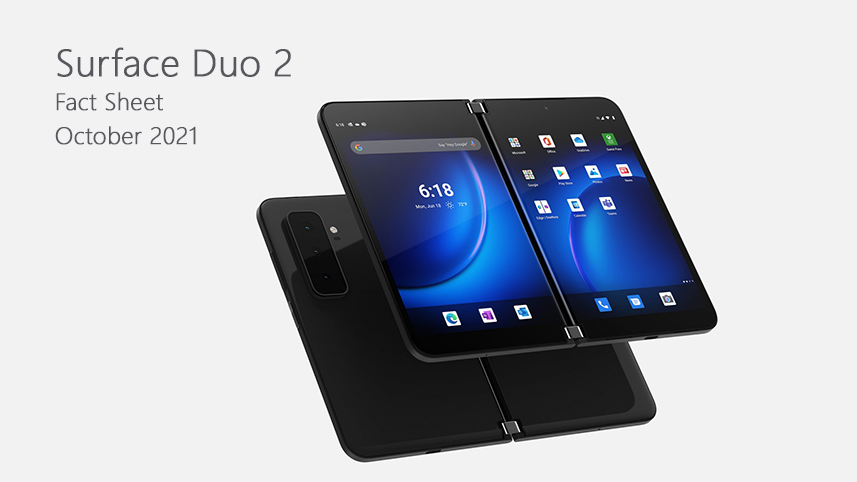
Introducing Microsoft’s Surface Duo 2
Do one better on two screens. Now with lightning-fast 5G and dynamic triple lens camera. New dual-screen experiences for Microsoft 365 await, plus Xbox gaming,?streaming, and every Android™ app in the Google Play store. Incredibly thin, two new high-resolution 5.8” PixelSense™ Fusion Displays open to an expansive 8.3” with a Revolutionary Hinge that adapts to all the ways you get things done, wherever you are. Add Surface Slim Pen for sketching and handwritten notes.
Whitepaper: Maximising productivity in a work-from-anywhere world

Having the right equipment has always been essential for work; however, as employees increasingly expect to work seamlessly from anywhere, it has become more important than ever to choose the right equipment and mobile devices for the workforce on the move.
The impacts of COVID-19 have shown business leaders that mobile technology empowers employees to work productively from any location. Work has increasingly become something you do, not somewhere you go.
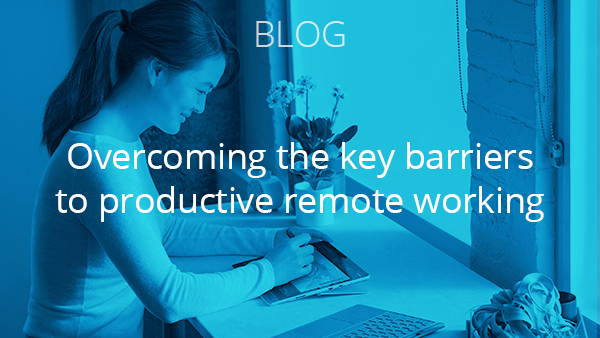
Despite the rise in popularity for remote work, there are still several barriers to productivity that remain for enterprises that do not invest enough time, money, or consideration into a remote worker’s environment and equipment. These barriers can impact day-to-day staff operations and ultimately lead to reduced efficiency and business outcomes.
To find out more about the barriers to productivity and how the right device can shape the outcomes from your remote working team, read our latest whitepaper.
Tip Sheet: Top nine features enterprises must demand from mobile devices

Remote working has revolutionised the workforce. The inherent freedoms that come with remote working can be beneficial to a company’s culture and its bottom line.
However, one of the key advantages of working in a space designated by the company is access to its infrastructure that all but guarantees reliable internet connection, purpose-built workspaces, and data storage capabilities. This is a promise that cannot always be fulfilled in a remote working capacity.
Giving employees the right tools is essential to success; however, not all mobile devices are created equal. Without the right capabilities and features, a mobile device used for remote working can hinder productivity and affect company outcomes.
To find out more about the barriers to productivity and how the right device can shape the outcomes from your remote working team, complete the form above to download our latest whitepaper.
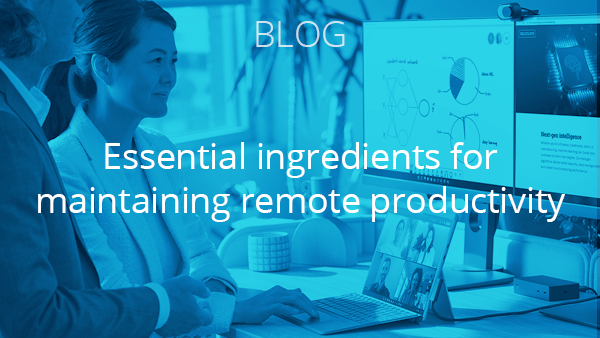
To find out more about how the features of mobile connected devices play a role in the development of a strong and productive workforce, read our latest tip sheet.
Discover Microsoft’s Surface Hub 2S
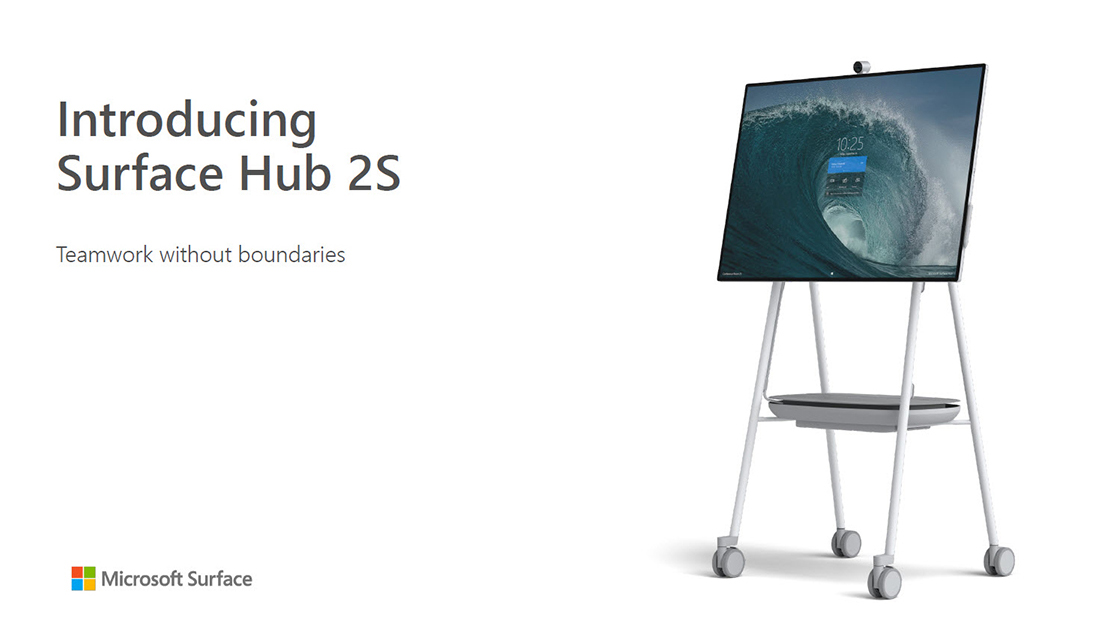
Enable teamwork anywhere with the Surface Hub 2S family of devices, a Microsoft Teams-certified meetings platform and interactive whiteboard for business that brings teams together. Surface Hub 2S 85” is a large-room solution, while Surface Hub 2S 50” is perfect for smaller spaces. Both sizes are certified for Microsoft Teams.
Learn how Surface delivers the best of Microsoft to meet the needs of your business.

New Surface Pro 8 for Business
The most powerful Pro. Stay productive, consistent, and secure with Windows 11 or Windows 10 – the choice is yours. Write in laptop mode, present with multiple screens in desktop mode, or sign a contract on screen in tablet mode. Surface Pro 8 is a 2-in-1 business laptop built to adapt.
Surface Pro 7+ for Business
The classic Pro, with high-speed performance, built-in security, and compatibility with accessories you depend on. Get up to 15 hours of battery life and go from empty to full faster with Fast Charging – from 5% to 80% in just under an hour. Stay securely and consistently connected with optional LTE Advanced.
New Surface Laptop Studio for Business
Incredibly powerful, infinitely flexible. Stay productive, consistent, and secure with Windows 11 or Windows 10 – the choice is yours. Work the way you want whether compiling code on a powerful business laptop, multitasking while docked on a perfectly angled stage, or sketching ideas on a full-horsepower creative studio.
Surface Studio 2 for Business
This powerful, all-in-one touchscreen desktop fuels intensive software with a fast processor, blazing graphics speed and lightning-fast SSD storage. From the business apps you need on the job to your must-have desktop software, fly through tasks and be fully productive. Surface Studio 2 is a powerhouse workstation that brings big ideas to life.
Surface Book 3 for Business
With 13.5” or 15” touchscreen and 1080p HD cameras for video calls, Surface Book 3 combines speed, graphics, and immersive gaming with the versatility of a laptop, tablet, and portable studio. Deploy and manage through the cloud with Microsoft Endpoint Manager. Every Surface ships with Windows Autopilot, reducing IT complexity by deploying straight to your employees.
New Surface Go 3 for Business
Flexibility for your frontline. Stay productive, consistent and secure with Windows 11 or Windows 10 – the choice is yours. Microsoft’s smallest business laptop and tablet helps you speed through touch-and-digital pen tasks with battery life that enables employees to work all day from anywhere.
Surface Pro X for Business
Sleek design and ultimate mobility combine with razor-thin bezels that take your ideas to the edge of the brilliant 13” touchscreen that’s Microsoft’s thinnest 2-in-1 ever. Work more efficiently anywhere with blazing-fast LTE. For a premium laptop experience on the go, click the Surface Pro X Signature Keyboard in place.
Virtual Event: Workplace transformation with Microsoft and Asahi
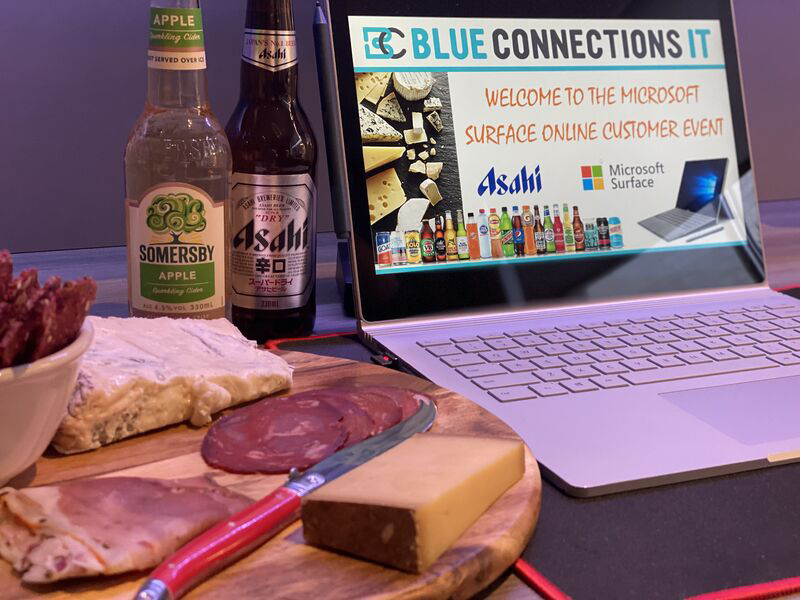
What a way for our customers to finish off the EOFY with the Blue Connections, Microsoft, Asahi Beverages and 14 Days of Cheese teams collaborating to experience cheese, beer, and cider pairing, whilst delving into how Microsoft Surface solutions can benefit your business in the workplace transformation journey.
We were delighted to have Asahi’s Digital Capability Lead Victoria Ortega join Chris Plumridge from Microsoft and Yuvesh Sharma from Blue Connections to share how we collaborated with Asahi to seamlessly implement their ANZ fleet of devices for their future of work project.
How Blue Connections works with Microsoft
Microsoft Surface
Blue Connections was able to assist a large global retailer, who operate convenience stores on a franchise model, streamline their business and increase productivity by enabling remote managers complying with brand regulations.
Remote managers travelling large distances daily between stores had a complicated task, by the fact that they used an array of devices to carry out their work, and there was no information sharing between them. Using iPads and mobiles while on the road, the team was regularly forced to return to the office to login to a desktop computer when they needed to access corporate documents. Frequent technical issues would see these roving employees having to bring their devices to the corporate office to be fixed or provisioned. The travel and time to deal with technical issues increased downtime and created significant productivity issues. Blue Connections was tasked to look for a better way to support the managers, so they can spend more of their time in the field, handling franchise compliance and training. After testing a variety of new tablet devices, Microsoft Surface came out on top, thanks to the feel and flexibility of the product fitting with the remote manager’s needs, and its ability to support Microsoft 365, allowing them to securely access corporate data in the field when and where they needed it.
With Microsoft 365 enabled Surface tablets, the management team were able to benefit from improved device management and automated provisioning, ensuring better support if technical issues arose. Now, when remote managers visit the head office for meetings, they can bring their Surface devices and automatically connect to the corporate ecosystem via their own Surface devices, rather than having to find an available desktop.
Microsoft Surface Go enabled 7-Eleven store leaders to spend more time working with and coaching their teams, engaging with our customers, and growing their stores, not sitting in the back office on the computer.
In 2021, the Channel Evolution Squad began working on solving this challenge by mobilising the digital tools store leaders needed onto a handheld device through an app called StoreMate.
StoreMate delivers the key functions of the store back-office computer, such as ordering, inventory management and reporting, on a platform that is more efficient, flexible, and productive.